Make blurry photos sharp
AI upscales your photo 2x or 4x and makes it crisp. It all runs on your device, so nothing is uploaded.
- Free
- No sign-up
- No upload
Best quality is sharper but downloads about 64MB the first time and takes longer. Recommended on a computer.
Getting ready…
Please keep this tab open while it works. Your photo never leaves this device.
Drag to compare
A real result: a photo shrunk to 300×200, like one sent through a messenger, enhanced 4x in "Best quality".
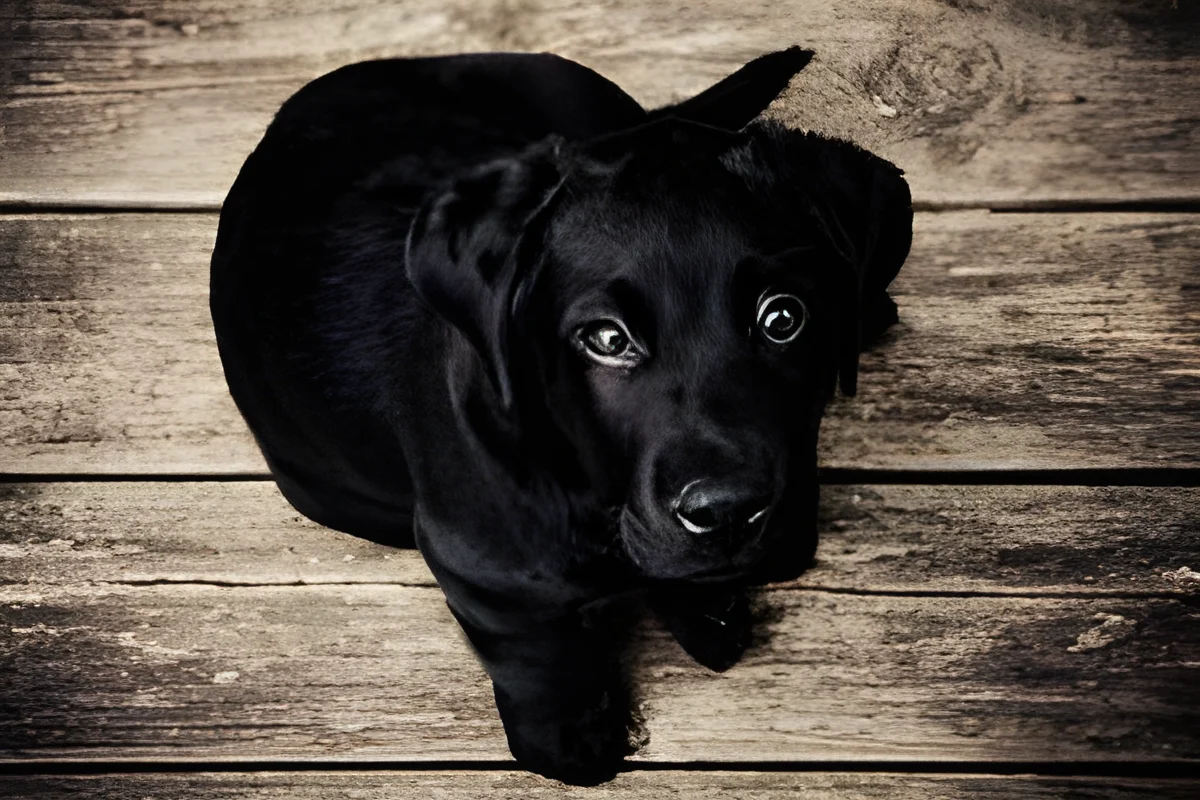

Photo: André Spieker / Unsplash
Every photo tool in one place
Drop in many photos at once. Whichever tool you use, your photos stay on your device.
- Remove BG Keep the person or object and make the background transparent. Great for product shots and ID photos.
- Convert iPhone HEIC to JPG, PNG to WEBP and back
- Compress Get under 1MB, 500KB or any size
- Text Art Turn a photo into Braille or ASCII art for game chat and Discord
- Resize & Crop Instagram 1:1 or thumbnail 16:9
- Blur Faces Faces found automatically, plates by dragging
- Remove GPS Strip the hidden location from photos
- Photos to PDF Many photos, in order, in one file
Your photos never leave this device
Most photo sites upload your pictures to their servers. EasyPixel runs the AI right inside the browser you're using now.
- Processed without uploading Your files are never sent anywhere, so personal photos are safe to use.
- Free, no credits Use it on as many photos as you like. No account or email needed.
- No watermark, full quality We never add a logo, and enhanced results are saved as lossless PNG.
Great for
- Small photosPictures shrunk by messaging apps, tiny thumbnails
- Old photosLow-resolution shots from older phones and cameras
- Blurry screenshotsSmall screen captures and low-res images
FAQ
Are my photos really not uploaded?
Yes. Enhancement happens inside the browser you're using right now. Your photo is never sent anywhere.
Is it free?
Yes. It's free, with no sign-up.
Why is it slow the first time?
The first time, it downloads the AI model (about 5MB for Standard, 64MB for Best quality) and the runtime. Afterwards it starts right away on the same page.
Does it work on phones?
Yes, but it can be slower than on a computer depending on your phone. For large photos or Best quality, a computer is recommended.
Will it fully restore faces?
No. It sharpens blurry areas but doesn't invent features that aren't in the original. Very small faces may not change much.
How large can the photo be?
The result can be up to 4096 pixels on each side, so 2x works on photos up to 2048px and 4x on photos up to 1024px.
It's very slow
AI processing is fastest when GPU acceleration is available, so use the latest Chrome or Edge. Devices or browsers without it fall back to the CPU, which can be several to dozens of times slower; you'll see a notice when that happens. If you're in a hurry, choose "Standard" and 2x.